Marsh Gibbon CofE Primary School
A 2026 safeguarding transparency report for Marsh Gibbon CofE Primary School in Buckinghamshire (OX27 0HJ).
Last data sync: · Source: ofsted rescrape
How to raise a safeguarding concern
If you have a concern about a child or young person at Marsh Gibbon CofE Primary School, use the verified channel below.
Contact the Designated Safeguarding Lead
This address was found for the safeguarding team at Marsh Gibbon CofE Primary School.
This contact was sourced from web search results and has not been independently verified. Always confirm the address with the school directly before sending sensitive information.
Email [email protected]Contact details on this page are sourced from Marsh Gibbon CofE Primary School's publicly published information and confirmed against our live records under our legitimate interest in safeguarding signposting. If you are listed here and would like a contact corrected or removed, please use the "Report an error or claim listing" option below.
Have a concern about Marsh Gibbon CofE Primary School?
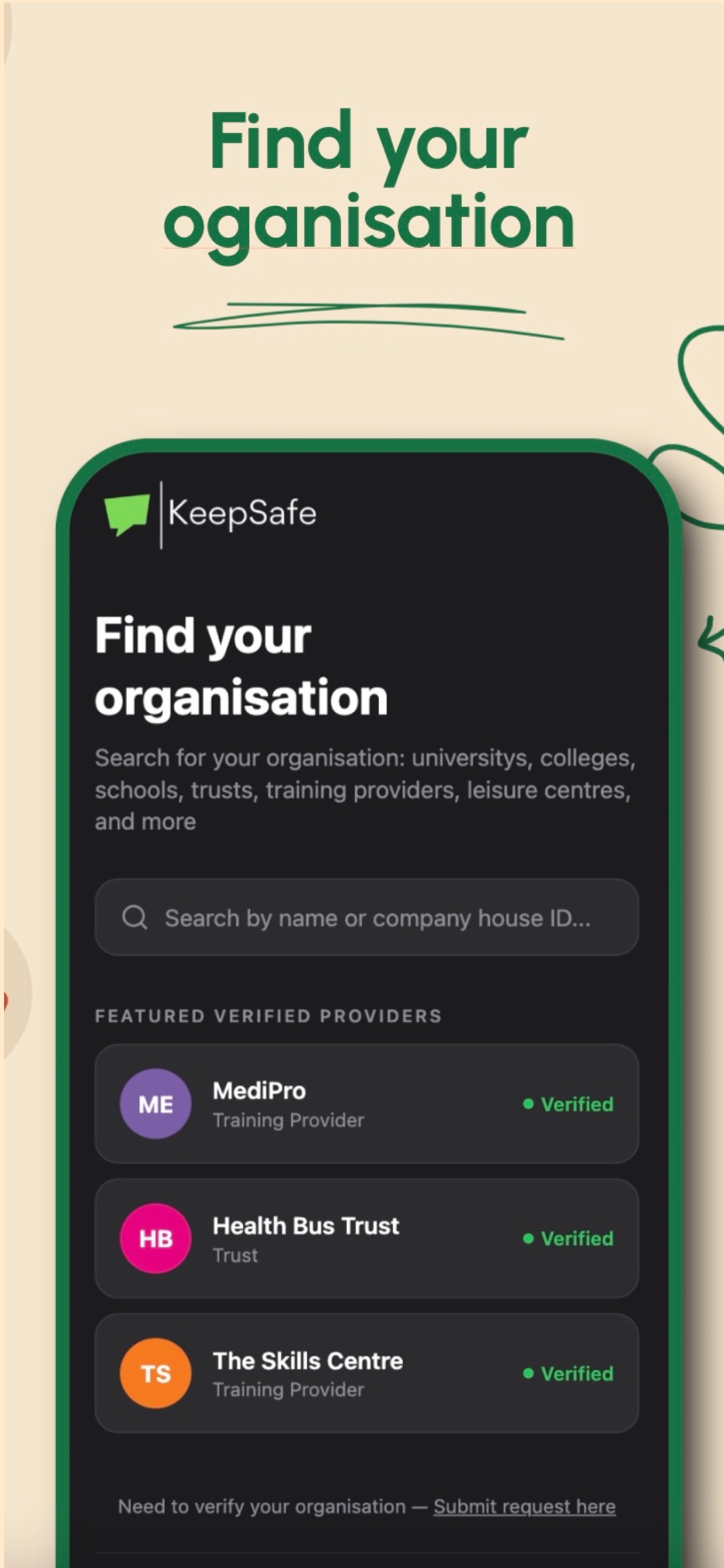
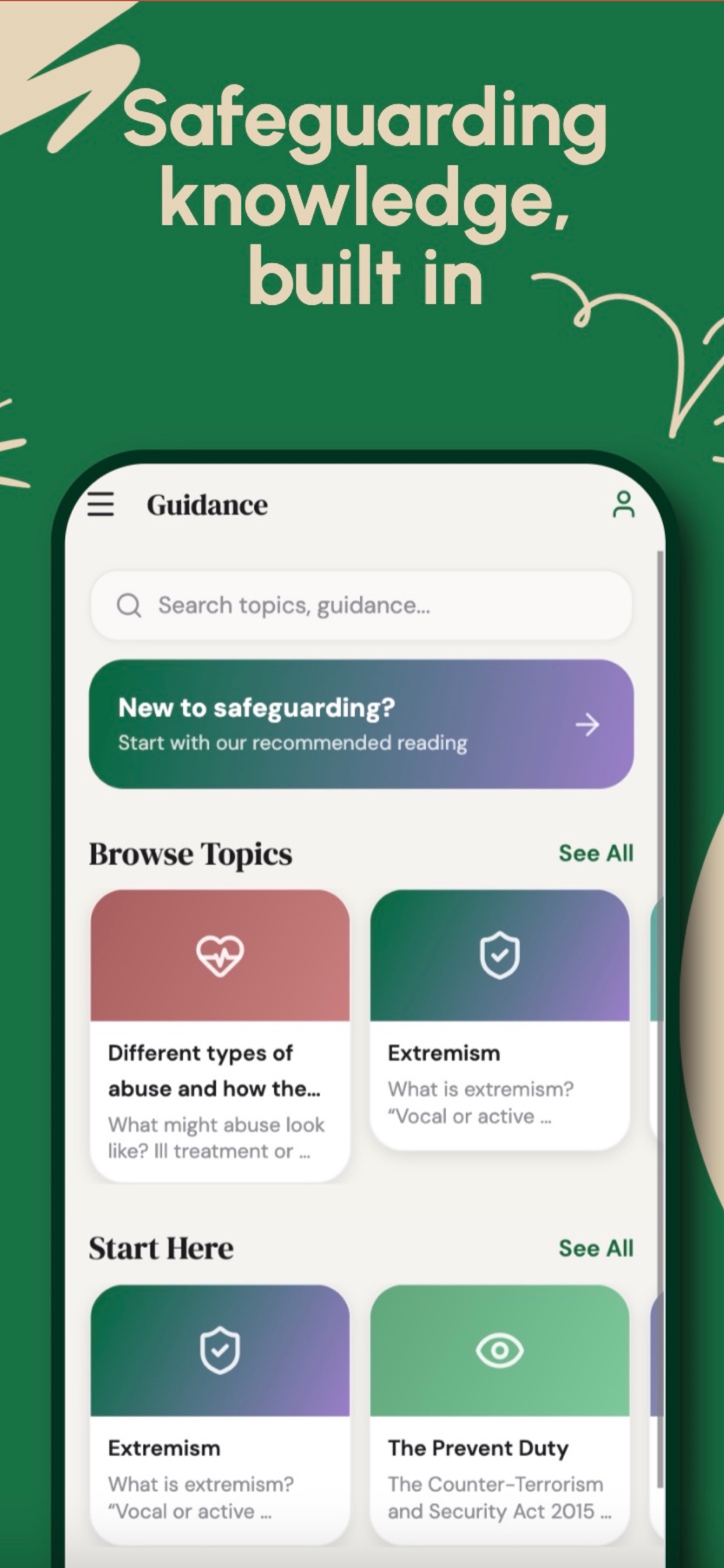
Submit it privately and securely via the Keep Safe app — available 24/7, no account required. Every report is encrypted end-to-end and routed directly to the Designated Safeguarding Lead.
- Anonymous reporting — your identity is never shared
- Available 24/7 — no office hours, no waiting
- Free to use — no account or sign-up required
Inspection summary
At a glance
Establishment data from the DfE Get Information about Schools (GIAS) register, Castle Street, Marsh Gibbon, Bicester, OX27 0HJ.
Is your school's data out of date?
Switch to Keep Safe's AI Inbox Monitor for automated compliance tracking. We sit inside your inbox — detecting concerns, scoring urgency, checking prior reports, and saving structured records so Marsh Gibbon CofE Primary School can keep this report current automatically.